

When installing smart PTZ cameras, 90% of users have encountered problems! In this article, we'll delve into the common installation mistakes and provide professional tips to avoid them. Whether you're a home user or a business owner, you can quickly master efficient deployment techniques to make 360° blind - spot - free monitoring truly effective.
One of the most common mistakes is improper location selection. If you place the camera in the wrong spot, it can lead to monitoring blind spots. You might miss important events happening in certain areas. Another common error is incorrect network configuration. When the network settings are wrong, you'll face difficulties in remotely viewing the camera footage. And improper night - vision parameter settings can cause frequent false alarms as the camera may misinterpret normal darkness or shadows as potential threats.

For home use, you might want to focus on entry points like doors and windows, as well as areas where valuable items are stored. In an office, common areas, meeting rooms, and storage spaces are key areas to cover. For a shop, the cashier area, merchandise display areas, and entrances are high - priority. Each scenario has its own unique security needs, and choosing the right installation locations can significantly improve the effectiveness of your camera system.
Adjusting the pan, tilt, and zoom (PTZ) functions correctly is crucial for maximizing the view coverage. You can start by setting the camera's initial position to cover the largest possible area. Then, use the zoom function to focus on specific details when needed. By optimizing these settings, you can ensure that every corner is monitored, leaving no room for blind spots.
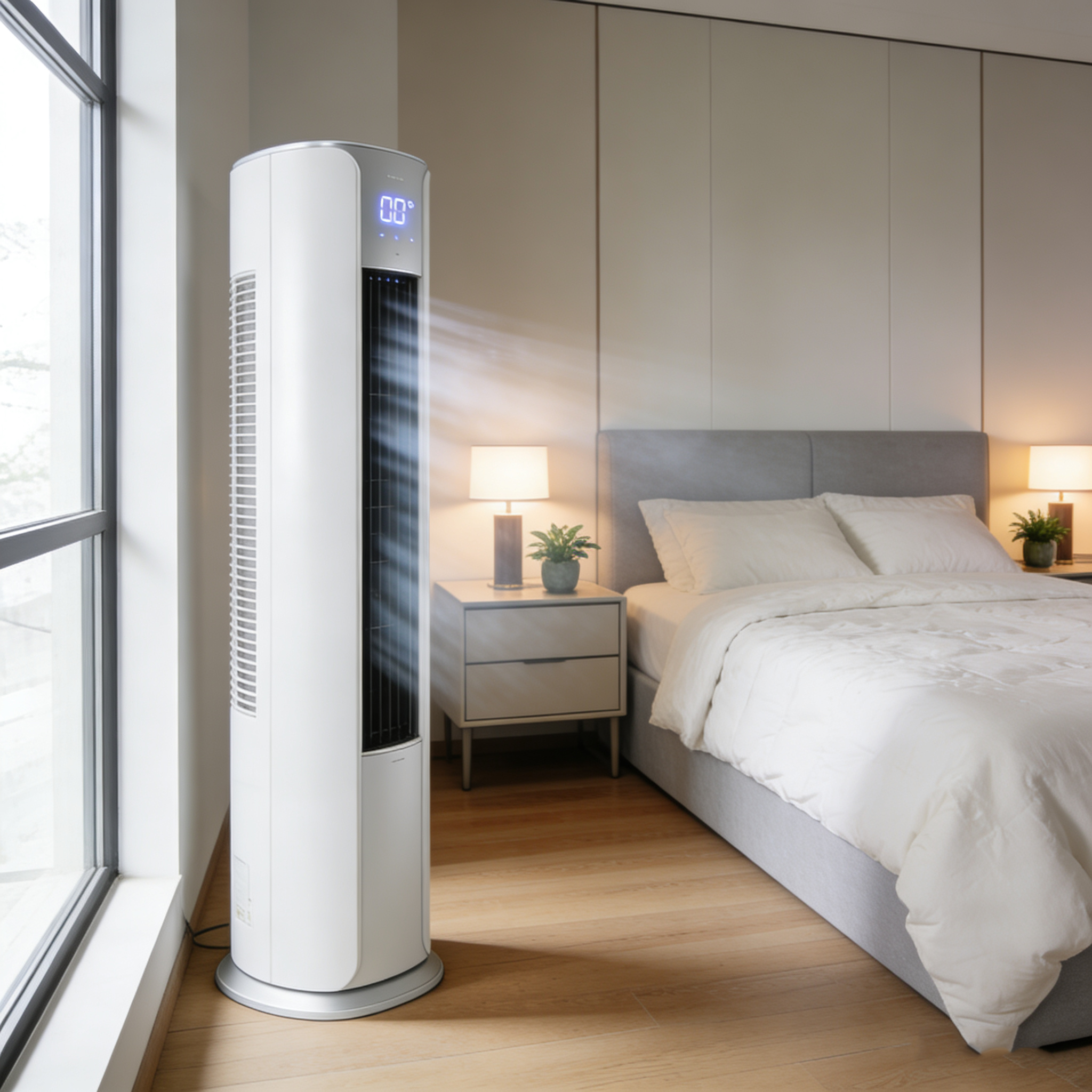
A stable network connection is essential for the proper functioning of your smart PTZ camera. Unstable Wi - Fi signals can lead to interrupted video feeds and poor image quality. To enhance the Wi - Fi signal, you can place the camera closer to the router, use a Wi - Fi extender, or opt for a wired network connection if possible.
Proper night - vision mode settings can make a big difference in the quality of nighttime surveillance. You can adjust parameters such as infrared sensitivity to reduce false alarms. Additionally, fine - tuning AI recognition parameters can help the camera accurately identify human figures, animals, or other objects, providing more accurate notifications.
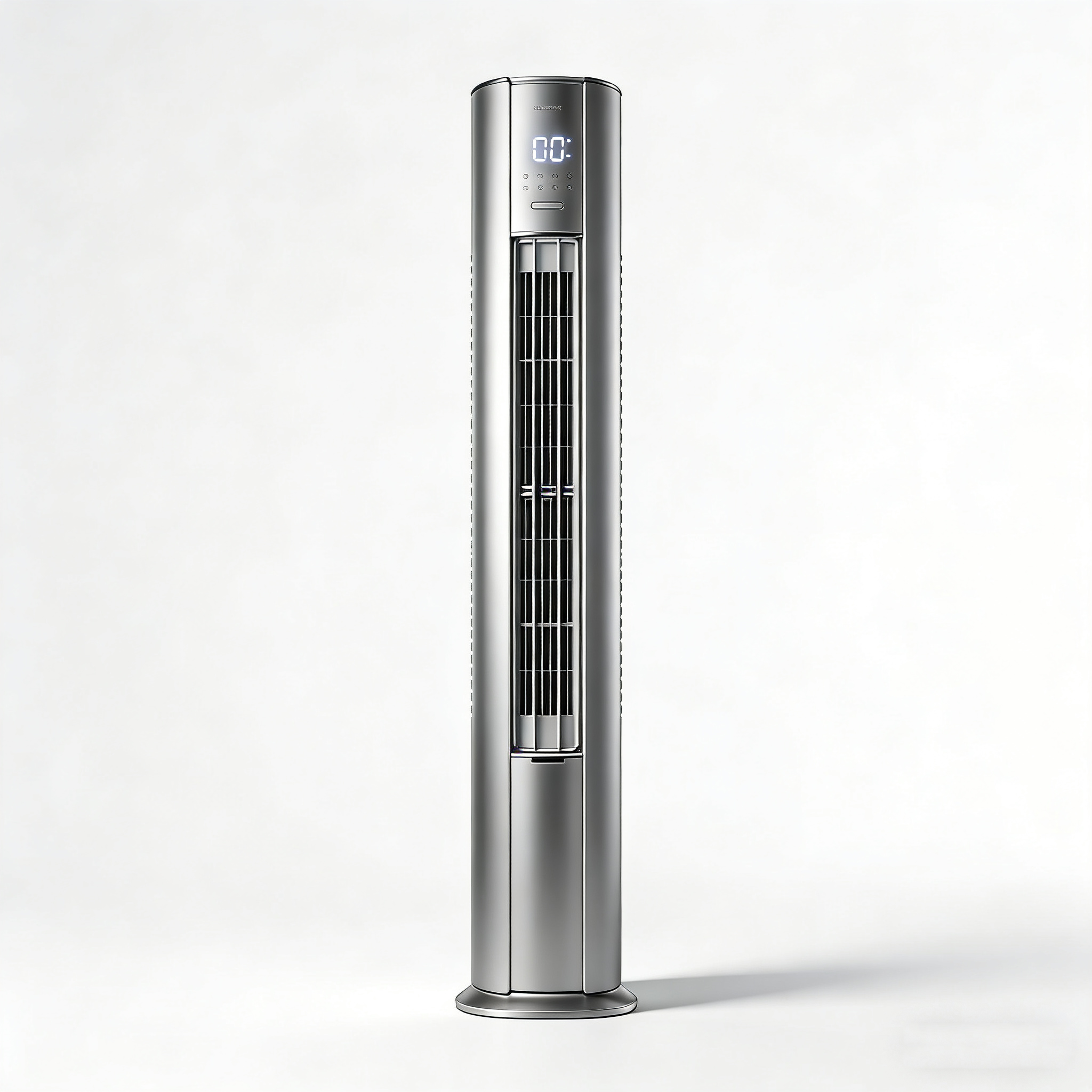
Regular maintenance is key to keeping your smart PTZ camera in good working condition. This includes cleaning the camera lens periodically to ensure clear images, updating the camera's firmware to take advantage of the latest features and security patches, and regularly backing up your recorded footage to prevent data loss.
Let's look at some real - life examples. A small business owner installed a smart PTZ camera but didn't configure the network properly. As a result, they couldn't access the live feed when they were out of the office. After following the correct installation steps, they were able to remotely monitor their business and catch a potential break - in attempt. This shows how proper installation and configuration can make a huge difference.
Expert advice: "Taking the time to install and configure your smart PTZ camera correctly from the start can save you a lot of headaches in the long run. It's a small investment of time that pays off in terms of better security and peace of mind."
With these tips, you can avoid common mistakes and ensure that your smart PTZ camera provides reliable surveillance. Let every frame of the footage be trustworthy. Say goodbye to monitoring blind spots once and for all!
Get Your Smart PTZ Camera Now!


 308
|
308
|
 HEPA filter efficiency
indoor air purification
multi-layer air filters
air filter maintenance
automated humidity control
387
|
smart PTZ camera installation
360 degree surveillance setup
cloud camera angle adjustment
AI motion detection tuning
night vision optimization
185
|
smart PTZ camera installation
PTZ camera angle optimization
retail store security cameras
night vision camera settings
remote surveillance system
246
|
360-degree smart PTZ camera installation
surveillance blind spot elimination
smart security camera setup
night vision optimization
multi-user access control
450
|
infrared light adjustment
AI human detection settings
nighttime surveillance optimization
smart camera configuration
store and warehouse security
HEPA filter efficiency
indoor air purification
multi-layer air filters
air filter maintenance
automated humidity control
387
|
smart PTZ camera installation
360 degree surveillance setup
cloud camera angle adjustment
AI motion detection tuning
night vision optimization
185
|
smart PTZ camera installation
PTZ camera angle optimization
retail store security cameras
night vision camera settings
remote surveillance system
246
|
360-degree smart PTZ camera installation
surveillance blind spot elimination
smart security camera setup
night vision optimization
multi-user access control
450
|
infrared light adjustment
AI human detection settings
nighttime surveillance optimization
smart camera configuration
store and warehouse security


