

Smart pan-tilt security cameras are revolutionizing the way we monitor our homes and businesses. However, improper installation can lead to sub - optimal performance and failed security monitoring. In this guide, we'll walk you through the correct installation methods and help you avoid common mistakes to achieve 360 - degree seamless monitoring.
The first step in installing a smart pan - tilt camera is choosing the ideal location. You need to find a vantage point that provides a wide view of the area you want to monitor. Generally, an elevated position about 2.5 - 3 meters above the ground can cover a broader range, around 8 - 12 square meters per camera. For example, in a business office, placing the camera at the corner of the ceiling can effectively monitor the entire workspace.
 pan-tilt camera installed in a proper location for wide-angle monitoring" style="display: block; margin: 20px 0;">
Avoid areas with direct sunlight, as it can cause glare and reduce the camera's visibility. Also, keep clear of spaces with high humidity or extreme temperatures, which can damage the camera's internal components.
Once you've selected the location, it's time to mount the camera. Most smart pan - tilt cameras come with a wall - mounting bracket. Make sure to use the appropriate screws and follow the manufacturer's instructions. A loose mount can cause the camera to vibrate, leading to blurry images. Ensure that the bracket is firmly fixed, and the camera is level for accurate monitoring.
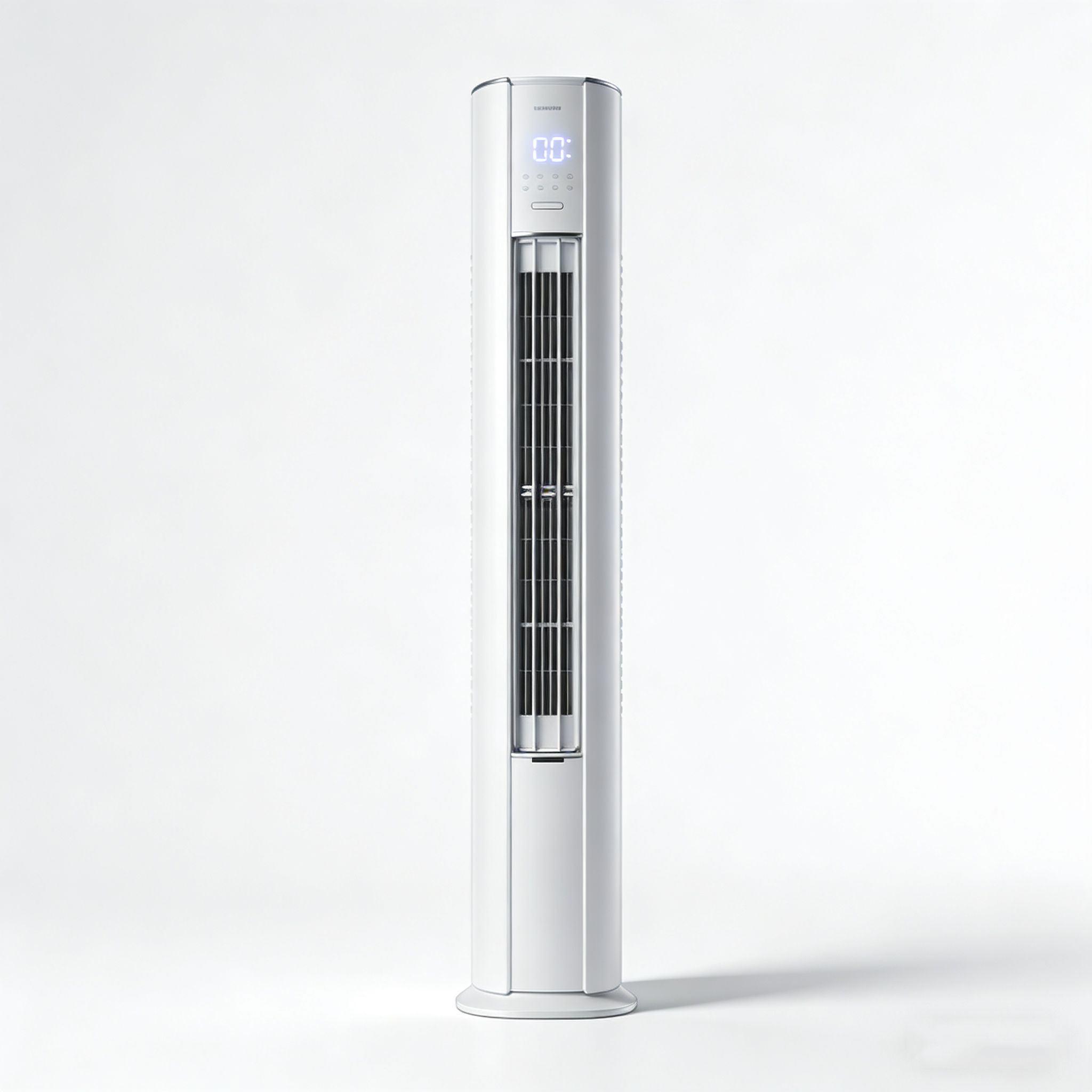
Keep in mind that different installation scenarios may require different mounting methods. For example, in a store, you might need to use a ceiling mount to avoid any disturbances from customers.
After mounting the camera, you need to adjust the pan - tilt angle to cover the desired area without any blind spots. Most smart cameras can be controlled via a mobile app, allowing you to adjust the angle remotely. You can set preset positions so that the camera can quickly turn to the areas you frequently want to monitor.
Some advanced cameras can perform auto - tracking of moving objects, with a tracking accuracy rate of up to 95%. This is extremely useful for detecting intruders in real - time.
Proper network configuration is crucial for the camera to function properly. It is recommended to use a 2.4GHz Wi - Fi network for better stability, as the coverage range of a 2.4GHz network can reach up to 30 - 50 meters indoors. You can also set up multi - user access, allowing family members or colleagues to view the camera footage.
However, make sure to set strong passwords to protect your privacy and security. According to a recent survey, 60% of security camera - related privacy breaches are due to weak passwords.
Most smart pan - tilt cameras come with night vision capabilities. You can switch to night vision mode manually or set it to automatically activate when the light is low. Adjust the infrared light intensity according to the environment. In a large outdoor area, a higher intensity may be required, while in a small indoor room, a lower intensity is sufficient.
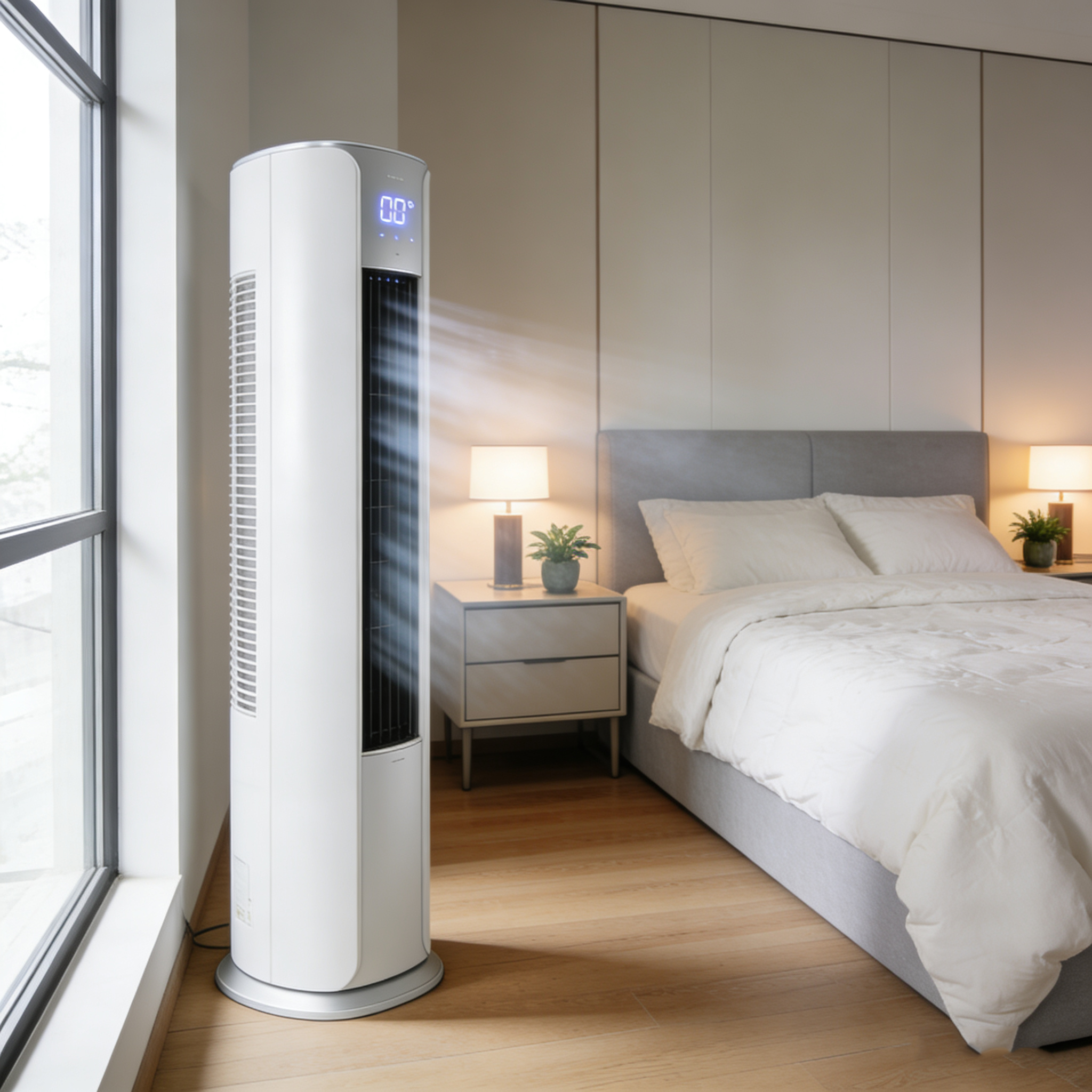
False alarms are a common issue. To reduce false alarms, you can adjust the sensitivity settings of the motion detection function. For example, in a busy street area, you can set the sensitivity lower to avoid false alarms triggered by passing vehicles or pedestrians.
By following these steps and avoiding common installation mistakes, you can significantly enhance the performance of your smart pan - tilt camera and ensure round - the - clock security for your home or business. Elevate your surveillance experience with our high - performance smart pan - tilt cameras!
 212
|
212
|
 Intelligent pan - tilt security camera
Infrared light adjustment
AI human body recognition
Night vision false alarm solution
360 - degree monitoring
418
|
smart PTZ security camera
multi-user remote access
security system solutions
360-degree surveillance
night vision enhancement
308
|
HEPA filter efficiency
indoor air purification
multi-layer air filters
air filter maintenance
automated humidity control
185
|
smart PTZ camera installation
PTZ camera angle optimization
retail store security cameras
night vision camera settings
remote surveillance system
419
|
smart PTZ camera network optimization
Wi-Fi signal enhancement techniques
remote monitoring disconnection solutions
PTZ camera installation tips
smart home security network setup
Intelligent pan - tilt security camera
Infrared light adjustment
AI human body recognition
Night vision false alarm solution
360 - degree monitoring
418
|
smart PTZ security camera
multi-user remote access
security system solutions
360-degree surveillance
night vision enhancement
308
|
HEPA filter efficiency
indoor air purification
multi-layer air filters
air filter maintenance
automated humidity control
185
|
smart PTZ camera installation
PTZ camera angle optimization
retail store security cameras
night vision camera settings
remote surveillance system
419
|
smart PTZ camera network optimization
Wi-Fi signal enhancement techniques
remote monitoring disconnection solutions
PTZ camera installation tips
smart home security network setup


